Horus
Project Overview
What is Horus?
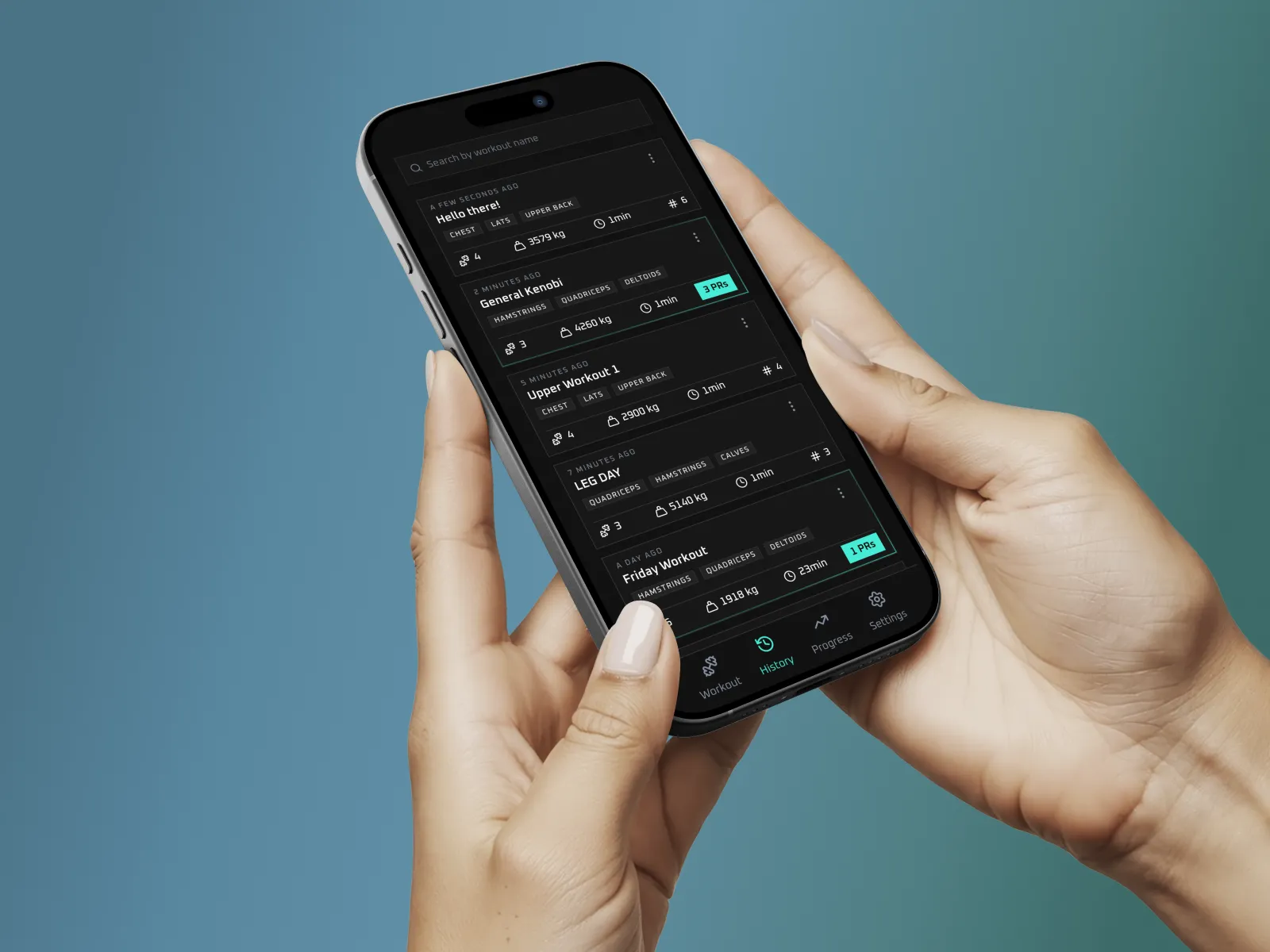
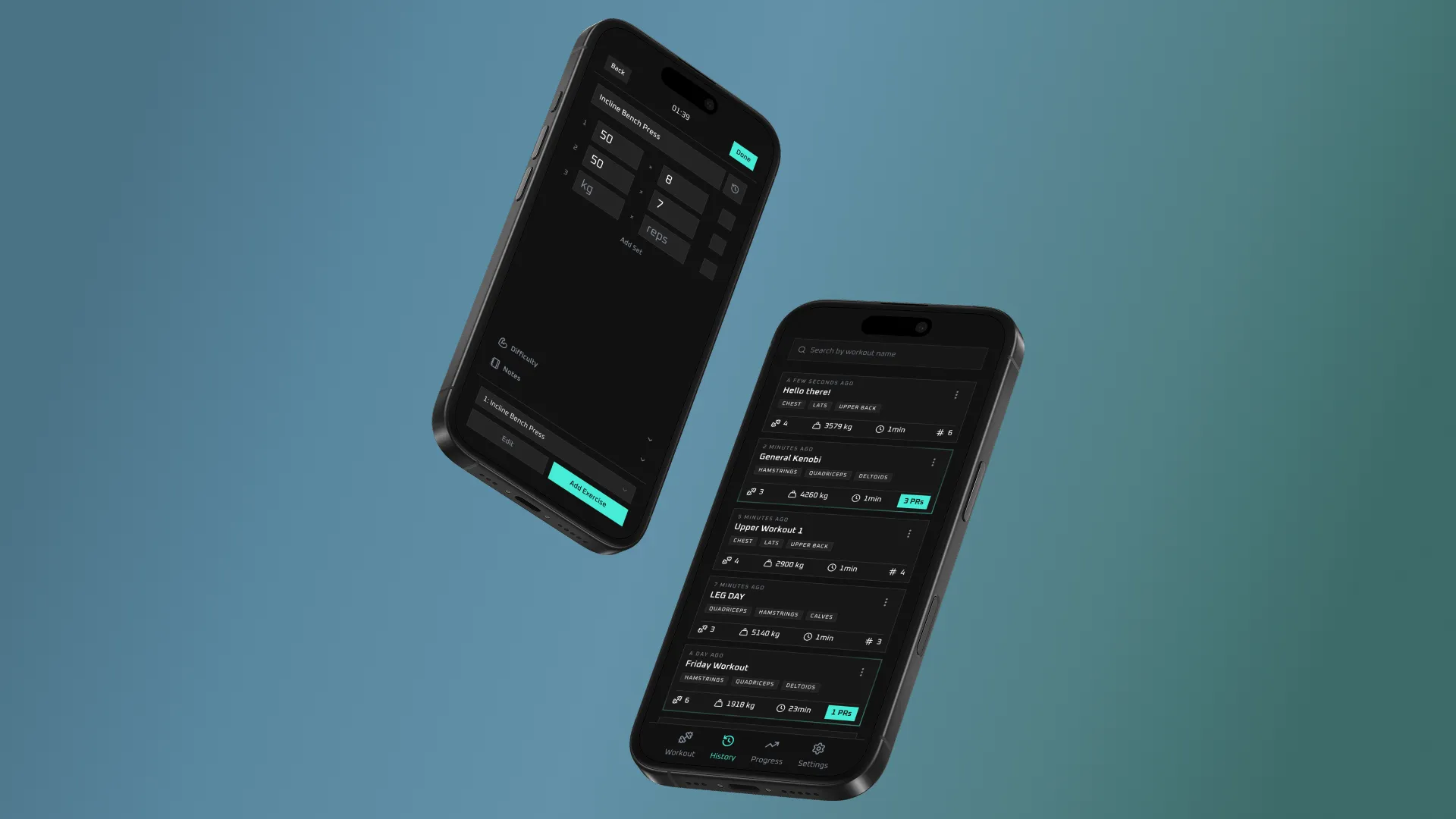
I built a web app to track my gym workouts. I decided to create my own because I didn’t enjoy the existing apps and my previous method of tracking workouts (excel sheet) was extremely inefficient and didn’t scale well.
I also made this for fun. This was a fun learning project, meaning I wrote the code and designed the UI myself. I used AI as a teacher rather than some code generator. For me, it was important to develop my own knowledge and understand how to actually build an app.
App Features
What does this app do?
Features
- Full workout management including creating, viewing, editing, and deleting workouts
- Structured data models for workouts, exercises, sets, and historical performance tracking
- Persistent storage of workout data in a database
- Secure authentication with protected access so only signed-in users can use the app
- Rate-limited authentication requests to prevent abuse and brute-force login attempts
- User-specific data isolation so each user only sees their own workouts
- Automatic calculation of workout metrics such as total volume and personal records
Validation and Security
- Validated workout forms with both client-side and server-side validation to prevent invalid or incomplete input
- Robust error handling for validation failures, failed requests, and database-level issues
- Type-safe data validation using schemas
- Secure handling of API keys and environment variables
UX/UI
- User feedback through toast notifications and inline messages for important actions
- Responsive UI designed for mobile-first usage and smaller screen sizes
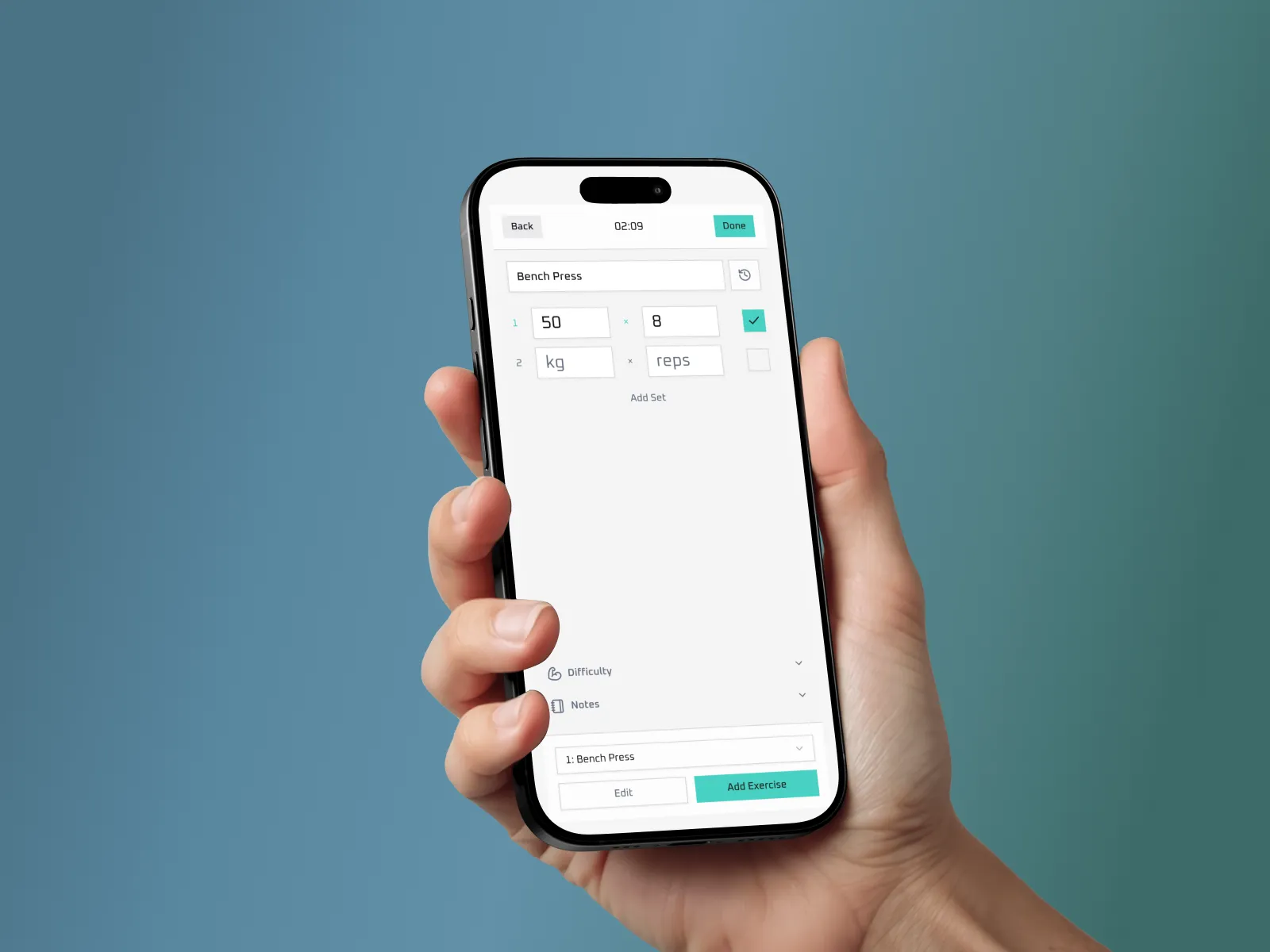
- Customizable interface with three theme variants
- Smooth UX states including loading, success, error, and empty states
Architecture & Implementation
- Efficient data fetching patterns to keep the UI responsive and reduce unnecessary requests
- Reusable component-based UI architecture for maintainability and scalability
- Typed API layer for end-to-end type safety between client and backend
- Database schema design optimized for workout history and progression tracking
- Exercise lookup / registry system to standardise exercise names and track PRs correctly
- Modular project structure separating features, hooks, and data logic
Technologies Used
How I built this app
Tech Stack
- Next.js 16
- React 19
- Typescript
- oRPC
- PostgreSQL
- Drizzle
- Redis
- Better Auth
- Tanstack Query
- Zod
- Tailwindcss
- shadcn/ui
Why Next.js?
I used Next.js simply because I wanted to learn it. I wanted to learn how to build a full-stack app and focus on new things like authentication or working with a database, while using familiar tools like React and TypeScript as a foundation. I also chose a web app because its faster and easier to prototype and get running compared to using something like Swift or Kotlin. In the future, I plan to build a native mobile version of this app.